
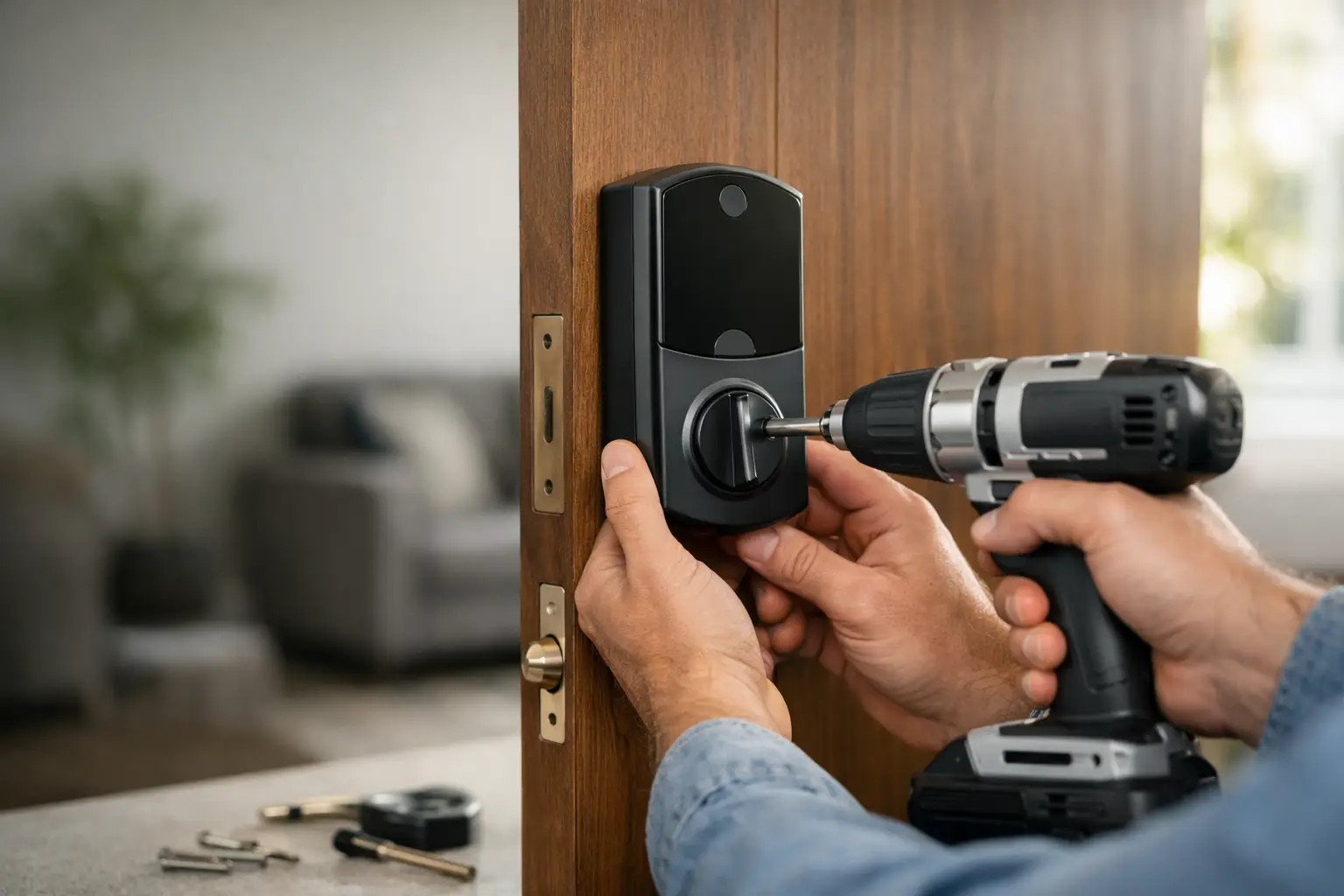
A smart lock can make a front door easier to manage, but a bad install can leave you with a lock that sticks, a door that will not latch, or a keypad that does not work when you need it most. Smart deadbolt installation is not just about replacing hardware. It is about making sure the lock, door, frame, and app all work together without weakening your security.
For homeowners, renters, property managers, and small businesses, the goal is simple: controlled access without creating a new problem at the door.
Start With the Door, Not the Smart Lock
Most smart deadbolts are designed to fit standard residential doors, but “standard” does a lot of work in that sentence. Before buying a lock or scheduling installation, check the door’s thickness, the bore hole where the deadbolt sits, and the backset. The backset is the distance from the edge of the door to the center of the lock hole. Most doors use either 2-3/8 inches or 2-3/4 inches.
Also look at the existing deadbolt. If it already locks smoothly and the bolt enters the strike plate without force, a smart lock conversion is usually straightforward. If you have to push, pull, lift, or shoulder the door to lock it, solve that alignment issue first. A motorized deadbolt cannot correct a sagging door or a poorly aligned frame.
Door material matters, too. Solid wood, fiberglass, and many metal doors work well with smart locks. Older doors with worn holes, loose hardware, split wood, or decorative trim around the deadbolt may need repair before a new lock can sit securely. Installing expensive electronics on a weak door is not a security upgrade.
Choose a Smart Deadbolt That Matches Your Needs
The best lock depends on who needs access and how often that access changes. A homeowner may want phone control and a keypad for family members. A rental owner may need temporary codes that can be changed between tenants. A small business may need separate codes for employees and a record of who entered and when.
Do not assume every smart deadbolt offers the same features. Some connect by Bluetooth only, which works well when you are near the door. Others use Wi-Fi or a hub, allowing remote locking and alerts while you are away. Some work with common smart-home systems, while others are designed to stay within their own app.
Convenience should not come ahead of basic security. Choose a lock with a physical key override or another reliable backup entry method. Batteries eventually die, phones get lost, and Wi-Fi can go down. A good smart lock gives you options instead of trapping you outside.
If you are replacing a lock after a move, breakup, employee departure, or lost keys, think beyond the keypad. The existing mechanical key may still work unless the cylinder is rekeyed or replaced. Changing access codes is useful, but it does not cancel out old metal keys in someone else’s pocket.
Smart Deadbolt Installation: What Has to Go Right
A clean installation begins by removing the old interior thumb turn, exterior cylinder, deadbolt, and strike plate. The new bolt should slide into the door edge without binding. The exterior keypad or key cylinder should sit flat against the door, with no gap that invites moisture, movement, or tampering.
Inside the door, the mounting plate must be level and secure. It is tempting to tighten screws as hard as possible, but overtightening can pinch components, strip wood, or cause the exterior piece to sit crooked. The cable between the exterior assembly and interior unit also needs to be routed correctly. Pinching or forcing that cable is an easy way to cause a lock failure before setup is even complete.
The strike plate deserves just as much attention as the lock itself. When the door closes, the bolt should enter the frame fully and freely. If the bolt hits the edge of the strike opening, the smart lock motor may struggle, drain batteries faster, or report that the door is locked when it is not fully secured.
Before programming anything, operate the deadbolt by hand several times with the door open. Then test it with the door closed. It should extend and retract smoothly in both situations. If it works only when the door is open, stop there. The issue is usually alignment, not the app.
Calibrate and Test Before You Rely on It
Most smart locks need to learn the open and closed positions of the deadbolt. Follow the manufacturer’s setup instructions carefully, especially during calibration. A lock that is installed correctly but calibrated poorly can misread its position or fail to complete a locking cycle.
After calibration, test every access method you plan to use. That includes the keypad, physical key, phone app, interior thumb turn, and any backup code. If you connect the lock to Wi-Fi or a smart-home system, test remote control while you are away from the home network as well.
A proper final check covers more than whether the lock makes a sound. Confirm these four things:
- The bolt fully extends into the strike plate with the door closed.
- The physical key turns without sticking or excessive force.
- The keypad accepts the right code and rejects the wrong one.
- The lock reports the correct locked and unlocked status in its app.
Do not hand out codes or rely on auto-lock until those checks are complete. Auto-lock is helpful for a busy household or storefront, but it can be a headache if the door does not latch consistently.
When DIY Makes Sense and When It Does Not
A do-it-yourself install can be a reasonable choice when you are replacing a standard deadbolt on a newer, well-aligned door. If you are comfortable using a screwdriver, measuring the existing hardware, and following setup instructions without rushing, many installations can be completed without drilling.
Call a locksmith when the door does not align, the old lock has unusual measurements, the frame is damaged, or the hardware has been forced during a break-in or lockout. A professional is also a smart choice if you need the new lock rekeyed to match an existing key, want one key to work across several doors, or manage multiple units with changing access needs.
Renters should check their lease before swapping lock hardware. Many landlords allow a smart lock if the original hardware is saved and reinstalled later. Others require approval or a copy of the emergency key. It is better to sort that out before drilling into a door or changing the building’s access plan.
For Orange County property managers, speed matters when a unit turns over or a tenant reports a failed lock. But speed should not mean skipping alignment, testing, or a clear explanation of what was installed. FAST & FAIR LOCKSMITH focuses on getting the job handled quickly without vague pricing or pressure to buy features you do not need.
Know What You Are Paying For
The total cost of smart lock work can include the lock itself, installation labor, rekeying, door or frame adjustments, and service after hours. Those are different services, so ask for a clear price before work begins. A fair quote explains what is included and what could change if the technician finds a damaged door, a nonstandard setup, or an alignment problem.
Be cautious with quotes that sound unusually low but do not identify the lock model, service call, labor, or possible add-ons. The cheapest number over the phone is not a bargain if it turns into a much larger bill at your door. Clear pricing is part of good security service.
A smart deadbolt should make daily access easier without making your front door harder to trust. Get the door aligned, keep a reliable backup method, and test the lock before it becomes part of your routine. That is how you get convenience without surprises.