
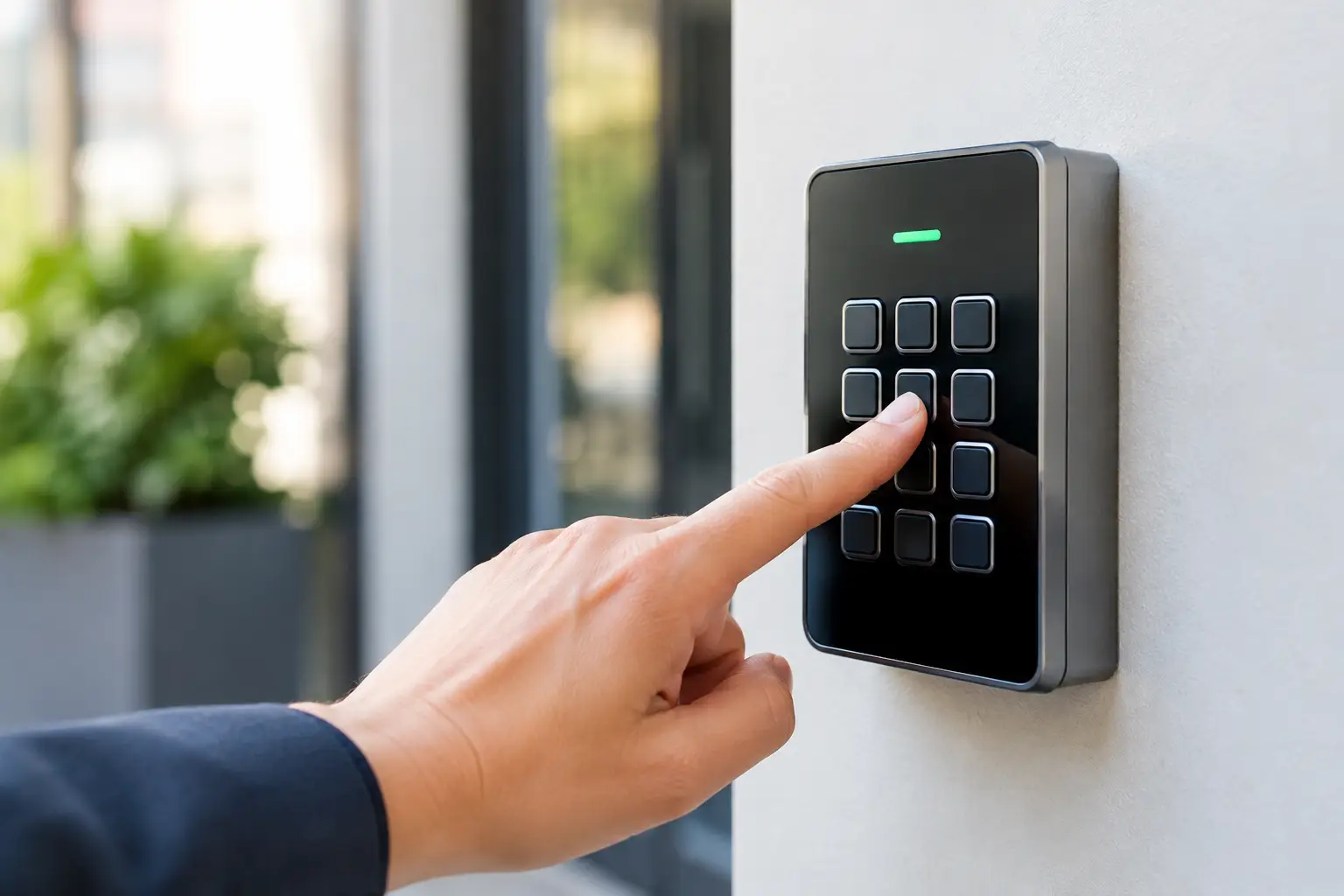
A keypad code reset sounds simple until the keypad is the only thing standing between you and your home, office, garage, or vehicle. One wrong sequence can erase a working code, trigger a lockout delay, or leave a door unsecured. The right move depends on the lock, who has authorized access, and whether you still have a working way inside.
Start by Identifying the Keypad
Not every keypad resets the same way. A residential smart lock, a mechanical push-button lock, a garage keypad, an office access-control reader, and a vehicle keypad may all use codes, but they are built differently. The reset process, the information required, and the risk of losing settings are different too.
Before touching anything, check the lock or keypad for a brand name, model number, battery compartment, and any printed instructions. If the keypad is connected to an app, look there first. A code change inside the app may be all you need. If it is a standalone lock, the reset method is usually tied to a programming code, a physical reset button, or access to the inside portion of the door.
That last detail matters. Many quality electronic locks are designed so the reset button is only reachable from inside. That protects your property from someone standing outside and wiping the lock’s memory. If you are locked out, do not assume the keypad can or should be reset from the exterior.
When a Keypad Code Reset Makes Sense
A reset is reasonable when control of the code has changed. Maybe a tenant moved out, an employee left, a contractor finished a job, or a code was shared more widely than intended. In those cases, changing or deleting the affected user code is usually better than waiting for a problem.
A keypad code reset can also help after repeated failed entries, a forgotten personal code, or an issue with a keypad that is behaving inconsistently. But reset is not a cure-all. If buttons do not respond, the lock beeps oddly, the bolt does not move freely, or the keypad has visible damage, the problem may be power, hardware, alignment, or wiring instead of programming.
For a business, think beyond one employee code. If several people use the same shared entry code, there is no clean way to know who still has it. Individual codes take more setup, but they make offboarding faster and access decisions clearer. For rental properties, a code change between occupants should be part of turnover, along with checking the physical lock and keys.
Change a Code When You Can. Reset Only When You Need To.
There is a useful difference between changing a code and factory-resetting a keypad. Changing a code typically removes one user’s access while preserving the rest of the lock’s settings. A factory reset often clears every user code and may disconnect app access, schedules, notifications, and paired devices.
If you know the master or programming code and the lock is working normally, changing the affected code is usually the cleanest option. Use a factory reset when the programming credentials are lost, the lock is being transferred to a new owner, or the manufacturer specifically recommends it for the issue at hand.
Before a full reset, make sure you have a plan to reprogram the lock immediately. You do not want to erase everyone’s code at 10 p.m., then discover the batteries are weak or the setup instructions are missing. Keep a physical key with an authorized person when the lock supports one, or make sure another approved entrance is available during the work.
Protect Access Before You Make Changes
Do the work with the door open whenever possible. Test every new code several times before closing the door behind you. Confirm that the bolt extends and retracts without rubbing the strike plate. A keypad can accept a code perfectly while a misaligned door prevents the lock from operating.
If the lock runs on batteries, replace weak batteries before programming. Low power can cause missed keystrokes, failed updates, and random-looking behavior. Avoid mixing old and new batteries, and do not use the wrong battery type just because it fits.
Write down which codes are active, who needs them, and which codes must be removed. Do not put the actual code on a note taped near the door. A simple access list stored securely is enough. For a small business or property manager, that record prevents a routine code update from becoming a day of calls and confusion.
Do Not Force a Reset During a Lockout
A dead keypad battery, a forgotten code, or a stuck lock creates pressure. That is when people start pulling at the lock, repeatedly entering random codes, or removing exterior parts that were never meant to be removed. Those choices can turn a programming issue into a damaged-door issue.
Repeated wrong entries can activate a temporary lockout on many electronic locks. More guesses usually do not help. If the keypad has gone quiet or is flashing an error pattern, stop and check the manufacturer’s guidance for that exact model. If you cannot verify the procedure, get help from a qualified locksmith rather than relying on a generic video or a reset method for a different lock.
The same caution applies to commercial access systems. An office keypad may be connected to a controller, alarm system, electric strike, or access logs. Resetting the visible keypad without understanding the system can disrupt access for staff or create a security gap. A technician should verify the setup before clearing credentials or replacing components.
Common Problems That Look Like Code Failures
Sometimes the code is correct, but the lock is telling you something else. A door that has shifted with weather or use can put pressure on the bolt. The keypad may flash or beep as though it rejected the code because it cannot complete the locking or unlocking cycle.
Moisture, grime, worn buttons, and sun exposure can also affect outdoor keypads. On mechanical push-button locks, a button that sticks or fails to return can prevent a correct combination from working. On electronic models, corroded battery contacts or a loose interior cable can cause intermittent failures.
If the lock works from the inside but not from the keypad, the issue may be the exterior assembly, power, or programming. If it accepts a code but will not move the bolt, check door alignment before assuming the keypad needs replacement. Correct diagnosis saves money because it avoids replacing a lock that only needed adjustment or maintenance.
Choose Codes That Do Not Create a New Problem
After a code change, avoid obvious choices such as an address number, birthday, phone number, or repeating pattern. Short, familiar codes are easy to remember, but they are also easy to guess for anyone who knows the household or business.
Use a code that is memorable to the authorized person but not publicly connected to them. Do not reuse the same entry code across your home, office, storage area, and garage. If one code is exposed, separate codes limit the damage.
For shared properties, remove access promptly instead of waiting until the next scheduled update. A former roommate, vendor, or employee does not need bad intentions for an old code to become a problem. Codes get saved, forwarded, and remembered.
When to Call a Locksmith
Call for help when you are locked out, the reset instructions require interior access you do not have, the keypad is damaged, or the lock’s behavior does not match the manual. It is also smart to call when a commercial system, rental turnover, or multiple doors are involved.
Ask for a clear price range before dispatch, including any service-call fee, labor, parts, and after-hours charge. A legitimate locksmith should explain what is known, what may change after inspection, and why. You deserve a direct answer before work begins, not a surprise after the door is open.
For Orange County homes and businesses, Fast & Fair Locksmith can assess whether the real answer is a code change, a keypad code reset, a battery replacement, lock repair, or a new lock. The goal is not to sell the biggest fix. It is to restore secure access quickly and at a fair price.
A keypad should make access easier, not leave you guessing at the door. Keep codes controlled, test changes before relying on them, and get the lock checked when the problem points to more than a forgotten number.