
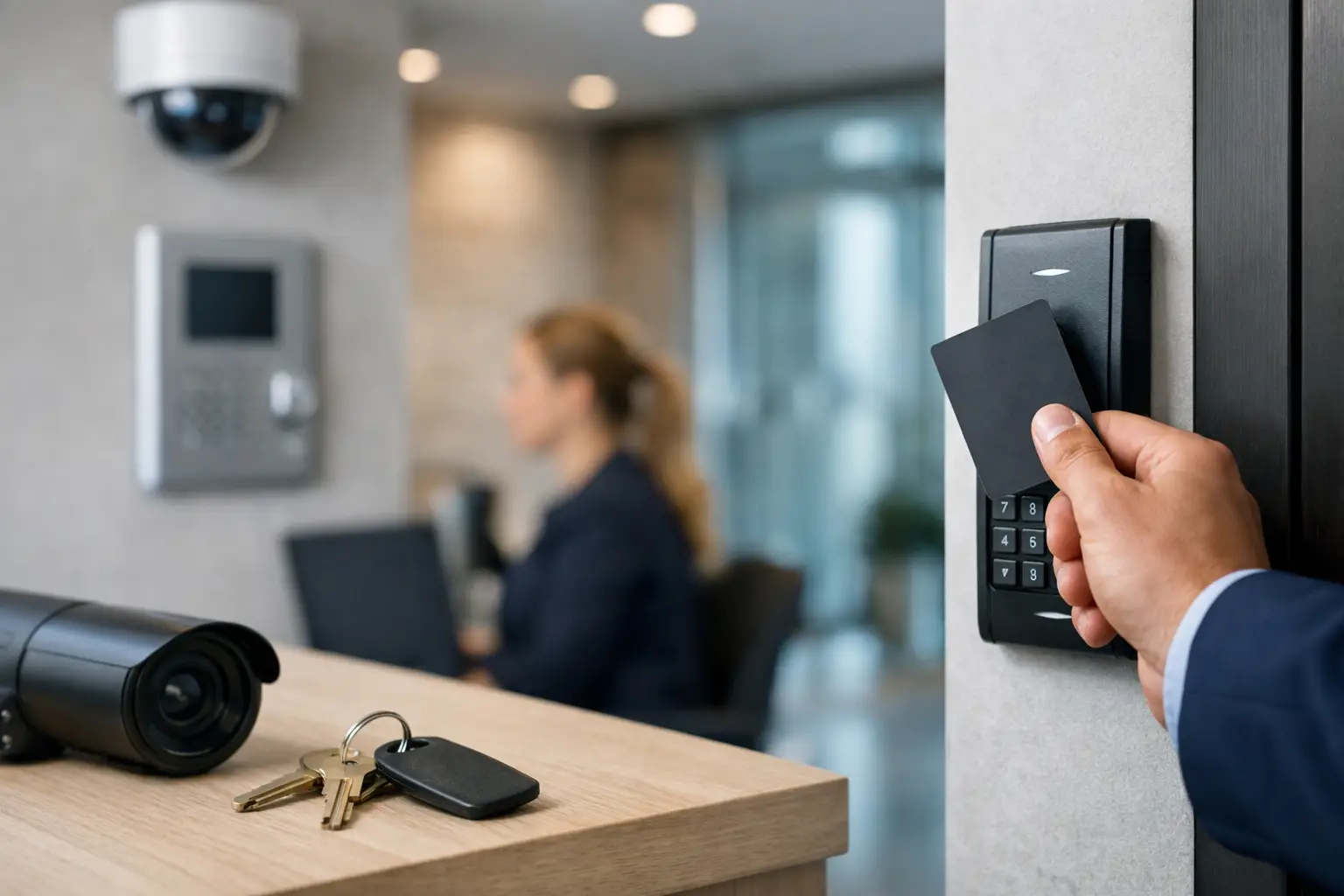
A lost master key should not put your entire business at risk. Neither should a former employee, a copied key, or a back door that never fully latches. This commercial access control guide is for small business owners, office managers, and property managers who need to control who gets in, when they get in, and what happens when access needs to change.
The right system is not always the most expensive one. It is the one that fits your doors, daily traffic, security concerns, and budget without creating a maintenance headache later.
What Commercial Access Control Actually Does
Commercial access control replaces open-ended key access with rules. Instead of handing out a key that can be copied and used at any hour, you can issue a code, key fob, card, mobile credential, or managed key. When someone leaves the company or loses a credential, you remove that person’s access instead of automatically changing every lock.
That matters most where several people come and go: offices, medical or professional suites, retail stores, warehouses, restaurants, apartment common areas, and small industrial spaces. It also helps businesses that need different access levels. A front-desk employee may need the main entrance and supply room. A manager may need those doors plus the office, cash room, or rear exit.
Access control is not only about keeping people out. It can reduce daily friction for the people who belong inside. A properly selected system gives authorized staff a dependable way in without passing around one key ring or leaving a spare key in a bad hiding spot.
Commercial Access Control Guide: Start With the Risk
Do not start by shopping for the newest reader or app. Start with the door and the risk behind it.
Ask which doors need control, who uses each door, and whether access changes often. Consider opening hours, after-hours deliveries, employee turnover, public traffic, and whether the building has a shared landlord-controlled entrance. A single office door with three long-term employees calls for a different setup than a warehouse with shift workers and frequent vendors.
Also identify what must still work during a power outage, fire alarm event, or internet outage. Life-safety rules matter. Many exit doors must allow people to leave freely, and fire-rated doors cannot be modified carelessly. A lock that looks secure but interferes with safe exit is a problem, not an upgrade.
A locksmith or qualified access-control technician should inspect the actual opening before recommending hardware. Door material, frame condition, existing panic hardware, hinge direction, door alignment, and wiring access all affect what can be installed and how much work it takes. A warped metal door or failing closer can defeat a good access system by preventing the latch from catching.
Choose the Right Level of Control
Small businesses usually land in one of three categories. The best choice depends on how often permissions change and how much oversight you need.
Mechanical restricted key systems
A restricted key system uses higher-security cylinders and keys that are harder to duplicate through ordinary retail channels. It is a practical step up from standard keys when you want tighter key control without electronics. It can work well for a small office, storage rooms, or properties where the same trusted people need access for long periods.
The trade-off is simple: a key is still a physical object. If it is lost, stolen, or not returned, you may need to rekey the affected lock. You also do not get a time-stamped record of entries.
Standalone keypad or credential locks
Standalone systems use a keypad, fob, card, or combination of these at one door. They are often a sensible fit for a back office, staff entrance, supply room, or small suite. They can be less involved to install than a fully connected system and may let you delete a code or credential without changing the lock.
Their limits vary by model. Some have limited user capacity, limited audit information, or no remote management. Battery-powered hardware is convenient, but batteries must be checked and replaced before they fail at the worst possible time.
Networked or cloud-managed access control
A connected system is better when multiple doors, changing schedules, remote management, or entry reports matter. You may be able to add or remove a user from a phone or computer, set schedules, and see which credential was used at a door.
This option brings more flexibility, but it also brings more planning. You may have hardware costs, wiring work, software fees, user administration, and cybersecurity responsibilities. A business that never plans to review entry activity may not need the most feature-heavy platform. Pay for useful control, not a dashboard that nobody uses.
Match Credentials to the People Using Them
Codes are fast and inexpensive, but shared codes lose accountability. If everyone uses the same four digits, you cannot tell who entered, and the code may travel farther than you think. Individual codes are better when the system supports them and someone is assigned to remove old users promptly.
Fobs and cards are easy for staff to understand and can be deactivated when lost. They are often a good middle ground for workplaces with regular employees. Mobile credentials can be convenient for managers or businesses with changing schedules, but not every employee wants to use a personal phone for work access. Have a backup plan for dead phones, lost devices, and staff who prefer a fob.
For sensitive areas, two-factor access may make sense: for example, a credential plus a PIN. It adds protection, but it also slows entry. Use that friction where it earns its keep, such as inventory rooms, server closets, records storage, or areas with cash handling.
Do Not Ignore the Door Hardware
Access control only works as well as the door, frame, latch, and closer supporting it. An electronic reader cannot compensate for a weak strike plate, loose hinges, a door that can be forced open, or a latch that barely reaches the frame.
Commercial doors may use electric strikes, electrified lever sets, magnetic locks, panic hardware, or other setups. Each has a place. The correct choice depends on the opening, code requirements, traffic level, and whether people need free exit from inside. This is not a place for guesswork or a quick online hardware purchase based only on appearance.
Before installation, repair basic issues. Make sure the door closes and latches reliably, hinges are secure, the closer works, and the frame is sound. It costs less to address those problems before an access-control system is installed than to troubleshoot repeated lockouts and service calls afterward.
Plan for People Leaving and Problems Happening
The most valuable feature of access control is not the reader on the wall. It is the offboarding process. Decide who removes access when an employee leaves, changes roles, loses a fob, or reports a phone stolen. Set a simple rule: access is removed the same day, not after the next busy week.
Keep a current list of administrators, backup credentials, emergency contacts, and any mechanical override keys. Store override keys securely and limit who can use them. If your system depends on an app or online account, avoid having one person hold the only login.
Test the system periodically. Confirm that old credentials no longer work, doors latch after hours, batteries are healthy, and emergency exit functions operate properly. A short quarterly check can catch problems before they become a late-night lockout or a security incident.
Get a Clear Quote Before Work Starts
Commercial access-control pricing can vary because every door is different. Wiring distance, door condition, fire-rated hardware, reader type, credential count, software subscriptions, and after-hours work all change the total. A low quote that skips those details can become an expensive surprise once work begins.
Ask for a clear scope of work. It should identify the door or doors, the hardware being installed, what credentials are included, whether wiring or repairs are needed, and any ongoing fees. Ask what happens if the door needs additional adjustment or if existing hardware is incompatible. A fair provider explains the options and the cost before moving forward.
For businesses in Orange County, quick on-site assessment matters because a broken entry door can disrupt staff, customers, and deliveries immediately. Fast & Fair Locksmith focuses on practical lock and access solutions with straightforward pricing, so you can make a decision without pressure or vague add-ons.
Build a System You Will Actually Manage
The best access-control plan is usually a sensible one: protect the doors that matter most, give each person the right level of access, and keep the process simple enough to maintain. Start with the main entry, employee-only areas, and high-value rooms if budget requires a phased approach.
A secure business is not built on one expensive device. It is built on doors that close properly, access that can be removed quickly, and a clear plan for the next lost key, staffing change, or after-hours problem.